

Raspberry Pi and Its Rivals: Tiny Computers, Big Possibilities
Single-board computers are small, affordable machines that pack an entire computer onto one circuit board. Plug in power, storage, and a screen, and you’ve got a working Linux system in your hands.
The most famous of these is the Raspberry Pi, but it’s far from alone. Over the years, competitors like Orange Pi and Banana Pi have appeared, each with their own strengths and trade-offs.
Let’s take a tour of this tiny-computer ecosystem.
What Is a Raspberry Pi?
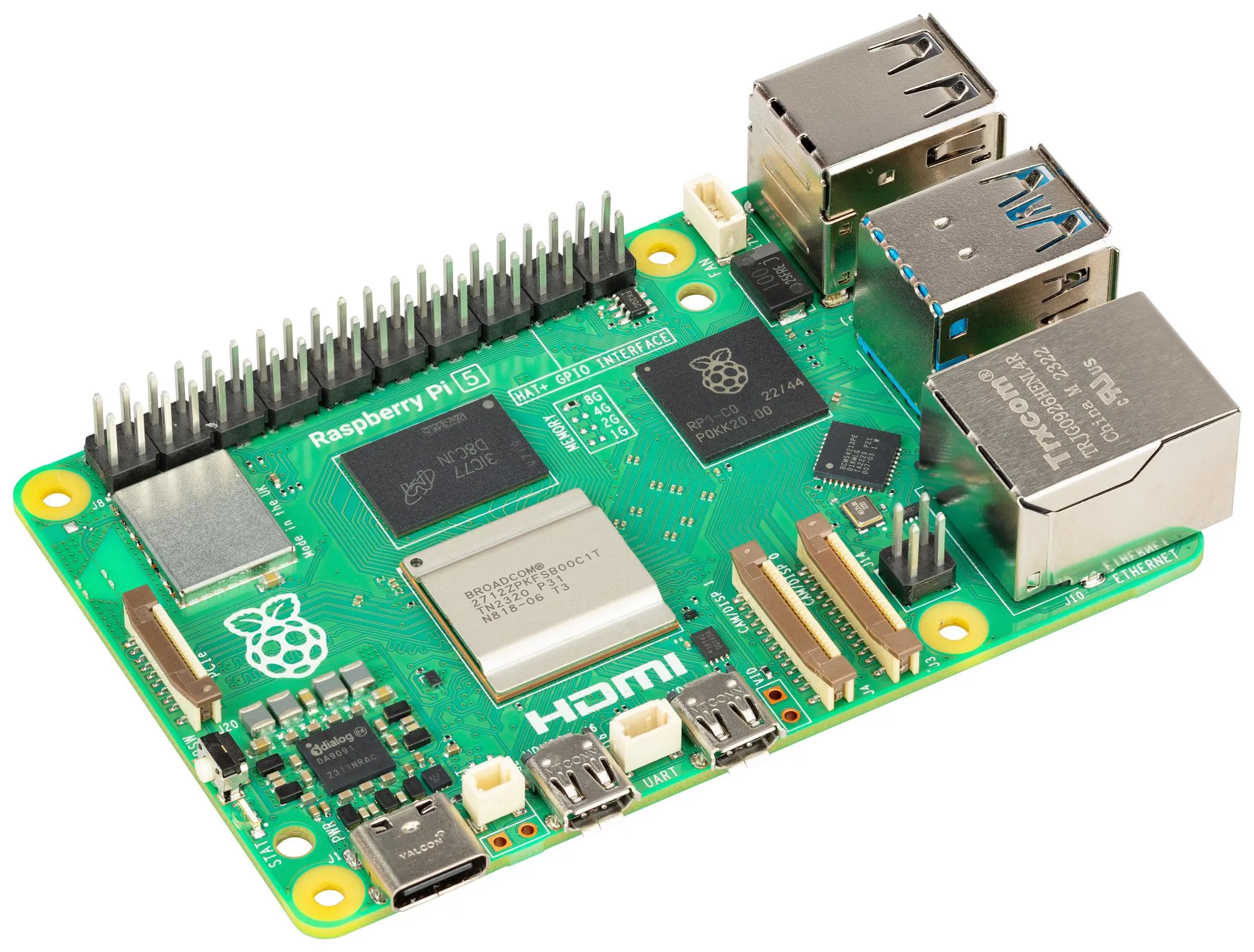
A Raspberry Pi is a full computer on a single board. Unlike microcontrollers (like Arduino), it runs a full operating system and can handle:
- Multitasking
- Networking
- Graphics
- File systems
In practical terms, that means you can use it as:
- A desktop computer
- A server
- A media center
- A robotics controller
- A programming playground
It’s small, low-power, and surprisingly capable.
Raspberry Pi Board Families
Over time, Raspberry Pi has grown into a whole family of boards designed for different needs.
Raspberry Pi Model B (The OG)
These are the “standard” Raspberry Pi boards most people think of.
They usually include:
- Multiple USB ports
- Ethernet
- HDMI output
- Enough RAM for desktop use
Each generation improves performance and memory, making newer models capable of running browsers, development tools, and even light gaming.
These are great for:
- Learning Linux
- Building servers
- Media centers
- General projects
If you want a tiny desktop computer, this is the category to look at.
Raspberry Pi Zero: Small and Cheap
The Pi Zero boards are designed to be:
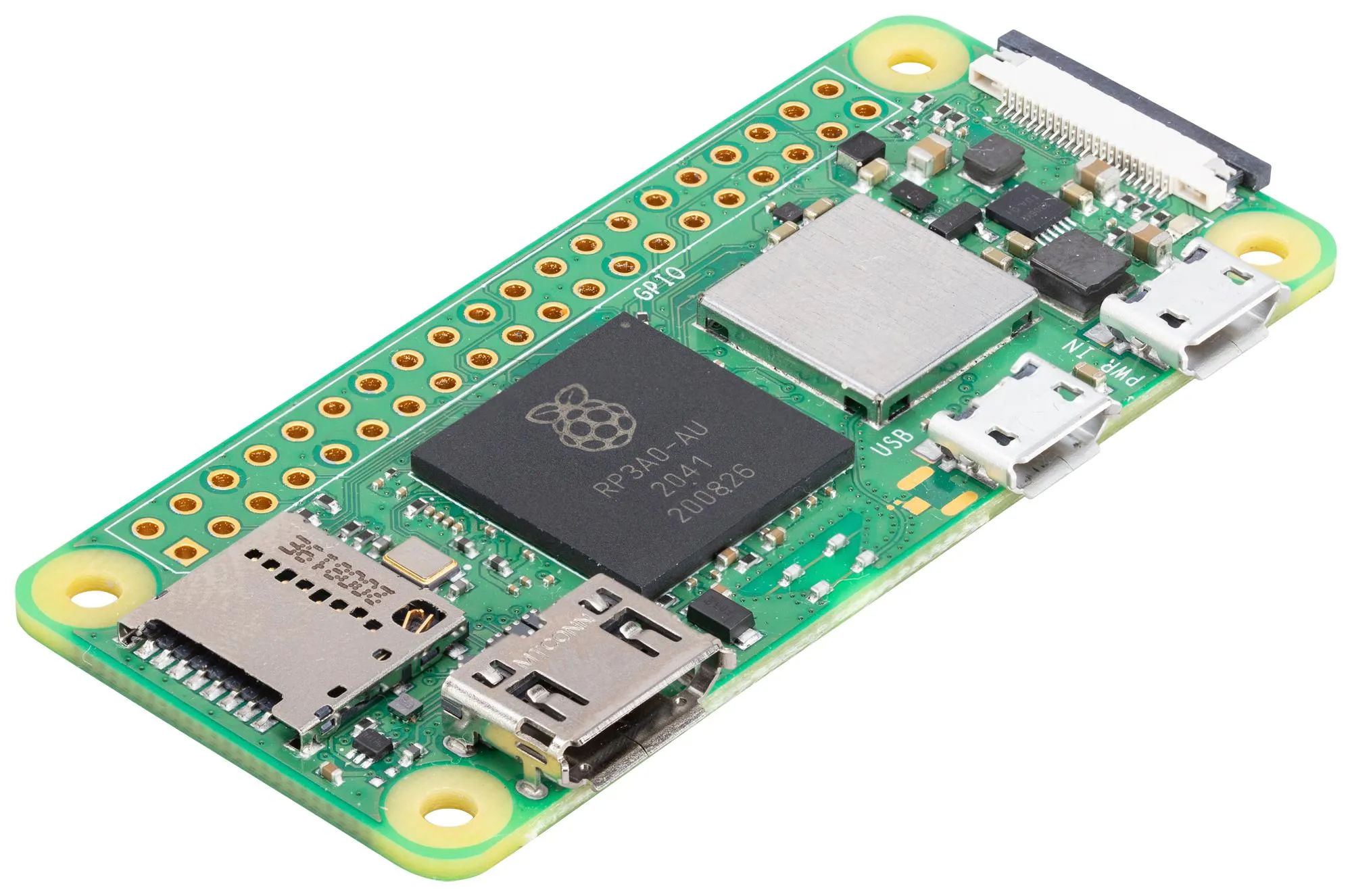
- Extremely small
- Very affordable
- Low power
They’re perfect for:
- Embedded projects
- Wearables
- Portable devices
The trade-off is performance and connectivity. You usually get fewer ports and less RAM, but you gain flexibility in physical design.
When space matters more than speed, Pi Zero shines.
Raspberry Pi Compute Module: For Real Products
The Compute Module is Raspberry Pi stripped down to just the core components, meant to be built into custom hardware.
Instead of USB ports and HDMI connectors, you get:
- Raw interfaces
- Direct access to hardware signals
- Custom carrier boards
These are used in:
- Industrial systems
- Kiosks
- Commercial embedded products
It’s Raspberry Pi for engineers designing their own devices, not just hobby projects.
Why Raspberry Pi Became So Popular
Raspberry Pi isn’t just hardware — it’s an ecosystem.
Its success comes from:
- Excellent documentation
- An official beginner-friendly OS
- Huge community support
- Massive numbers of tutorials and projects
When something goes wrong, chances are someone else has already solved it and posted about it online.
That community factor is often more important than raw hardware specs.
Enter the Competitors: Orange Pi and Banana Pi
As Raspberry Pi became popular, other companies started making similar boards — often with more powerful processors or lower prices.
Two of the most well-known are Orange Pi and Banana Pi.
They follow the same general idea: small, affordable Linux computers with GPIO pins for hardware projects.
But the details matter.
Orange Pi: Powerful and Budget-Friendly
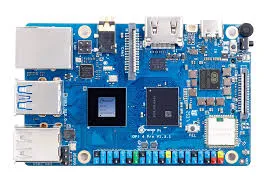
Orange Pi boards are known for offering:
- Faster CPUs for the price
- More RAM options
- Lots of different models for specific use cases
They’re popular for:
- Servers
- Network projects
- Media streaming
- Experiments with high performance
However, the trade-off is software support. While Linux runs well, setup can be more technical, and documentation isn’t always as beginner-friendly as Raspberry Pi’s.
Orange Pi often appeals to users who are comfortable solving problems on their own.
Banana Pi: Focus on Storage and Networking
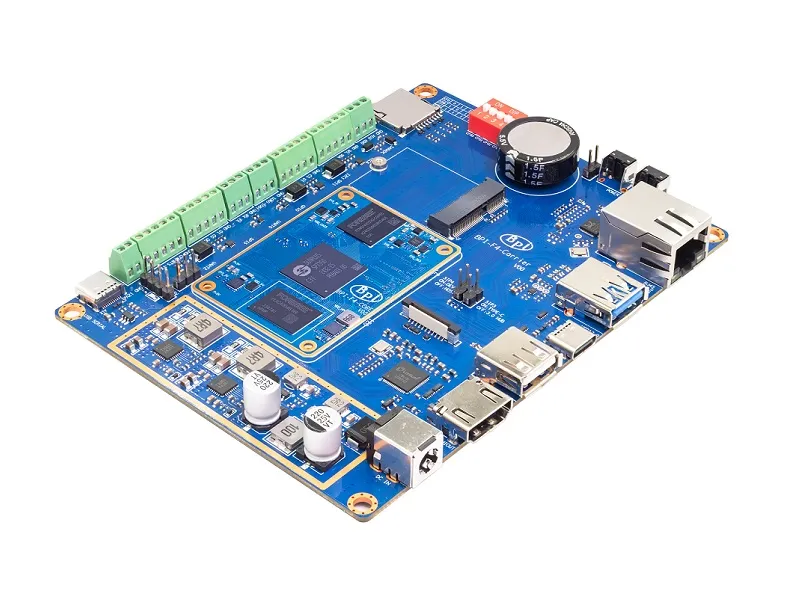
Banana Pi boards often target projects that need:
- SATA ports for hard drives
- Multiple network interfaces
- Strong I/O performance
That makes them good for:
- File servers
- Network appliances
- DIY NAS systems
Like Orange Pi, they may offer impressive hardware features, but software images and community support can be less polished than Raspberry Pi’s official ecosystem.
You get flexibility and power, but sometimes at the cost of convenience.
Hardware Isn’t Everything
On paper, many competitor boards look better than Raspberry Pi:
- Faster processors
- More memory
- Extra ports
But hardware is only half the story.
What really matters is:
- Stable operating systems
- Driver support
- Long-term updates
- Active communities
Raspberry Pi’s biggest advantage is not raw performance — it’s reliability and consistency. Things usually “just work,” which is priceless when you’re learning or building prototypes.
Choosing the Right Board
Here’s a simple way to think about it:
- Raspberry Pi → best for beginners, education, and general projects
- Orange Pi → great for budget performance and custom Linux setups
- Banana Pi → good for storage-heavy and networking projects
If you want tutorials, libraries, and plug-and-play experiences, Raspberry Pi is usually the safest choice.
If you want maximum performance per dollar and don’t mind troubleshooting, the alternatives can be very appealing.
One Idea, Many Flavors
What’s exciting about this space is that there’s no single “correct” board anymore. The single-board computer world now offers options for:
- Learning
- Prototyping
- Servers
- Media centers
- Embedded products
All built around the same basic idea: a complete computer small enough to fit in your pocket.
Whether it’s a Raspberry, an Orange, or a Banana, these boards have changed how easy it is to experiment with real computing systems — not just software, but hardware too.
Tiny boards, big ideas, and a lot of creative potential.